
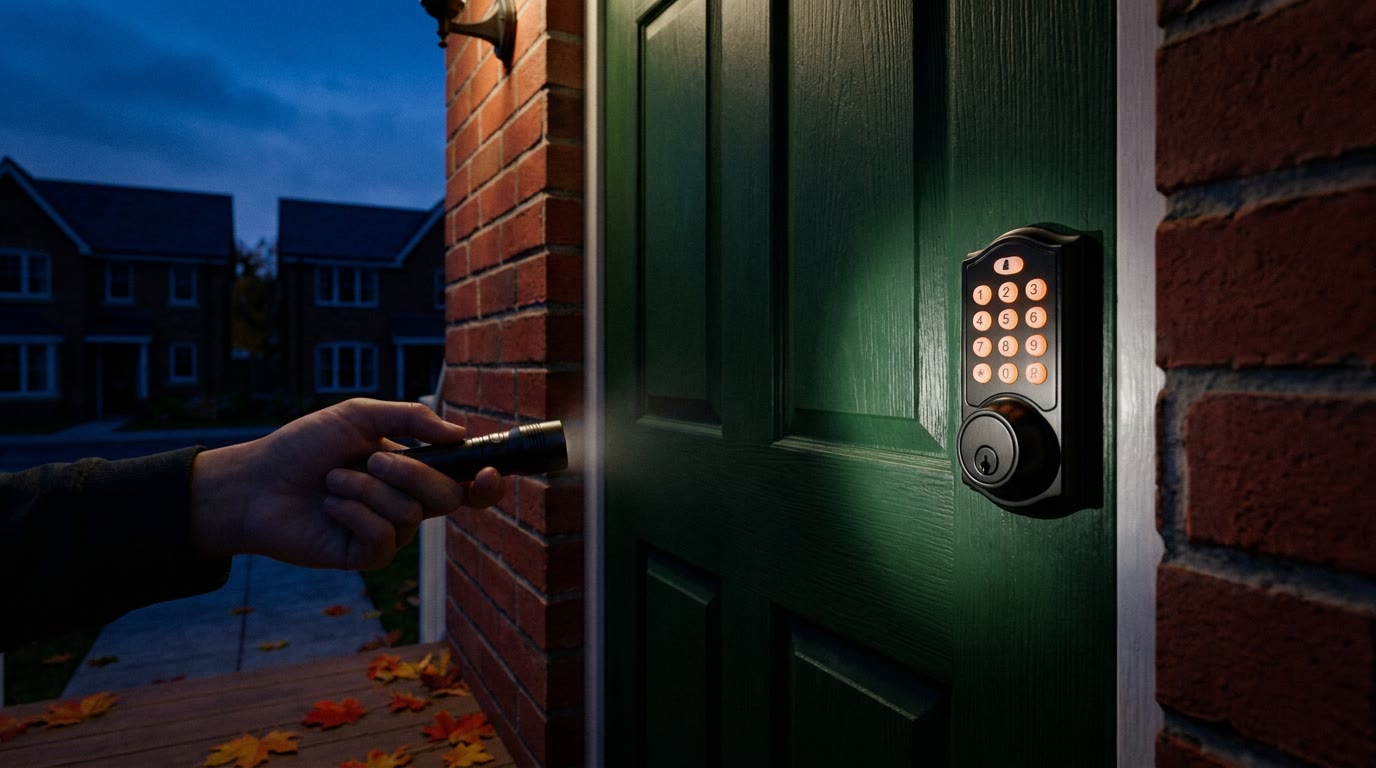
Do Smart Locks Work When the Power Goes Out?
Yes, almost always. Most smart locks and keypad deadbolts on Metro Detroit homes run on their own batteries, not on house power, so the keypad and your codes keep working when the lights go out. What you lose is anything that needs Wi-Fi, and the real risk is a dead battery.
Yes. In almost every home, a smart lock keeps working when the power goes out. Residential smart locks and keypad deadbolts run on their own batteries, usually four AA cells inside the lock, and are not wired to the house. The keypad, the codes stored in the lock, a fingerprint reader and the key all work exactly as they did before the outage. What stops is anything that depends on your router: unlocking from far away in the app, alerts on your phone, and changes to codes made remotely.
It is a fair question to ask in Metro Detroit this fall. On September 3, Fox 2 Detroit reported about 300,000 DTE customers without power after severe storms crossed Wayne, Oakland and Macomb counties, with no restoration timeline that evening. The windy part of the year is still ahead, and the clocks go back on Sunday, November 1, so more of us will be getting home in the dark.
What Keeps Working and What Stops
- The keypad and stored codes keep working. They live in the lock and run on the lock's batteries.
- The physical key keeps working. If your lock has a keyway, the key does not care about power or Wi-Fi.
- Bluetooth at the door usually keeps working. On most models your phone talks straight to the lock when you are standing next to it.
- Remote unlock, alerts and remote code changes stop. These need your router and modem, which are off until power and internet return. A guest code you meant to send from work will have to wait.
- Auto-lock keeps working. The lock still locks itself behind you on its own schedule, which matters if you step out without a key or a code.
The Real Risk Is the Lock's Own Batteries
Outages do not lock people out of smart locks. Dead batteries do, and Michigan winters are hard on them. Alkaline batteries lose strength in the cold, and a lock on an exposed door can go from a low-battery warning to dead faster in January than in July. If your deadbolt is also sticking now that the weather has turned, the motor works harder and drains them sooner. Our guide to deadbolts that are hard to lock in the cold covers that fix.
Most locks warn you for weeks: a blinking red light, a different beep, or a notice in the app. When the batteries do die, many keypad models give you a way to wake them from outside, either two small contacts under the keypad for a 9-volt battery or a USB-C port for a power bank. That gives the lock enough power to take your code. Find out now which one your lock has, because it is not the same on every model, and some have only the key.
If the Garage Is Your Front Door
An outage lockout often has nothing to do with the smart lock. Many families come and go through the garage and have not carried a house key in years. A garage door opener without a battery backup does not run when the power is out, and the release cord is on the inside. If the garage is your way in, make sure someone in the house carries a key or knows a keypad code for an entry door.
Shops and Offices: Mag Locks, Electric Strikes and Card Readers
Commercial doors are different, because the hardware usually does run on building power. What happens in an outage depends on how the door was set up:
- Magnetic locks release. A mag lock holds the door only while it has power, so when power drops the door is unlocked unless the system has a battery backup.
- Electric strikes usually stay locked. Most are installed fail-secure: the door stays locked from the outside, and people inside can still leave with the lever or the panic bar. A key in the cylinder still gets you in.
- Keypads and card readers go dark. Without a backup battery in the power supply, nobody can badge in. With one, the system keeps running for a while, depending on the battery's size and age.
Backup batteries in access control power supplies wear out quietly, and the first sign is often the outage itself. If you do not know when yours was last tested, or whether your doors lock or unlock when power drops, that is worth finding out before the next storm. We set up and service access control systems for storefronts, offices and apartment buildings across Metro Detroit.
A Five-Minute Check Before the Next Storm
- Put in fresh batteries. Use the type your lock's manual names, and change them on a schedule instead of waiting for the warning.
- Find the physical key and try it. Turn it in the lock once, because a key that has never been used can be a bad copy. Keep a spare outside the house with someone you trust.
- Learn the emergency power method. Look under the keypad for 9-volt contacts or a USB-C port, and keep the right battery or cable somewhere you can reach from outside, such as the car.
- Make sure everyone has a code. Codes stored in the lock work without Wi-Fi. A plan that depends on unlocking the door for the kids from your phone does not.
- Carry a key if the garage is your usual door. The opener will not help you when the whole street is dark.
When to Call a Locksmith
Call if the lock is dead and you have no key, if the keypad lights up but the bolt will not move, if fresh batteries drain in days, or if your lock has no keyway and you want one that does. We do smart lock installation and repair across Metro Detroit, and we leave a working key cylinder whenever the lock has one, so a dead battery does not have to mean a locked door.
Smart lock or keypad not responding?
Call us at (313) 236-4558, Sunday to Thursday 9:00 AM to 5:00 PM or Friday 9:00 AM to 12:00 PM, or tap a button below.


